Business and IT alignment: from requirements to software
How to reduce misunderstandings between business and IT by connecting requirements, examples, and tests to the software being built.
by Elias Mahdavi · Published on
A feature can be developed correctly and still be wrong.
The code does exactly what the technical team understood, but not what the business team had in mind. The difference appears during a demo, in acceptance testing, or, in the worst case, after release.
Business and IT alignment helps reduce this gap. It does not mean asking business teams to write technical specifications, or forcing developers to attend every meeting. It means creating shared examples and criteria that make the request verifiable.
The key question is not only, “What do we need to build?”
The team must also clarify: how will we know, together, that it works in the right way?
How ambiguous requirements emerge
Requests often begin with statements that sound reasonable but are incomplete:
- the customer should receive a notification;
- the two systems should synchronize;
- the manager should be able to approve;
- search should be faster;
- certain users should not be able to see the data.
Each sentence contains decisions that have not been expressed. When should the notification be sent? Which system is the source of truth? What happens if the integration does not respond? Who is allowed to approve? Which data must remain hidden?
When these questions are addressed only during development, the technical team makes decisions that may not match operational needs.
Why separate documents quickly become outdated
Even a well-written specification loses value when it remains disconnected from the code and tests.
The process changes, the customer adds a condition, or a technical dependency forces a different choice. The original document is not updated and continues to describe an outdated version of the requirement.
At that point, several versions of the truth exist:
- what the business team remembers;
- what the document describes;
- what the code does;
- what the tests verify.
Every difference creates back-and-forth discussion and rework.
Readable requirements and shared verification
A practical way to improve alignment is to describe behavior through concrete examples.
Instead of writing “synchronize customers,” the team can define:
When a new customer is approved in the sales system, it must appear in the finance system within five minutes, including the name, identifier, and account owner. If required data is missing, synchronization must stop and generate an alert.
This example is readable for someone who understands the process and precise enough to guide both development and verification.
How DevKira helps
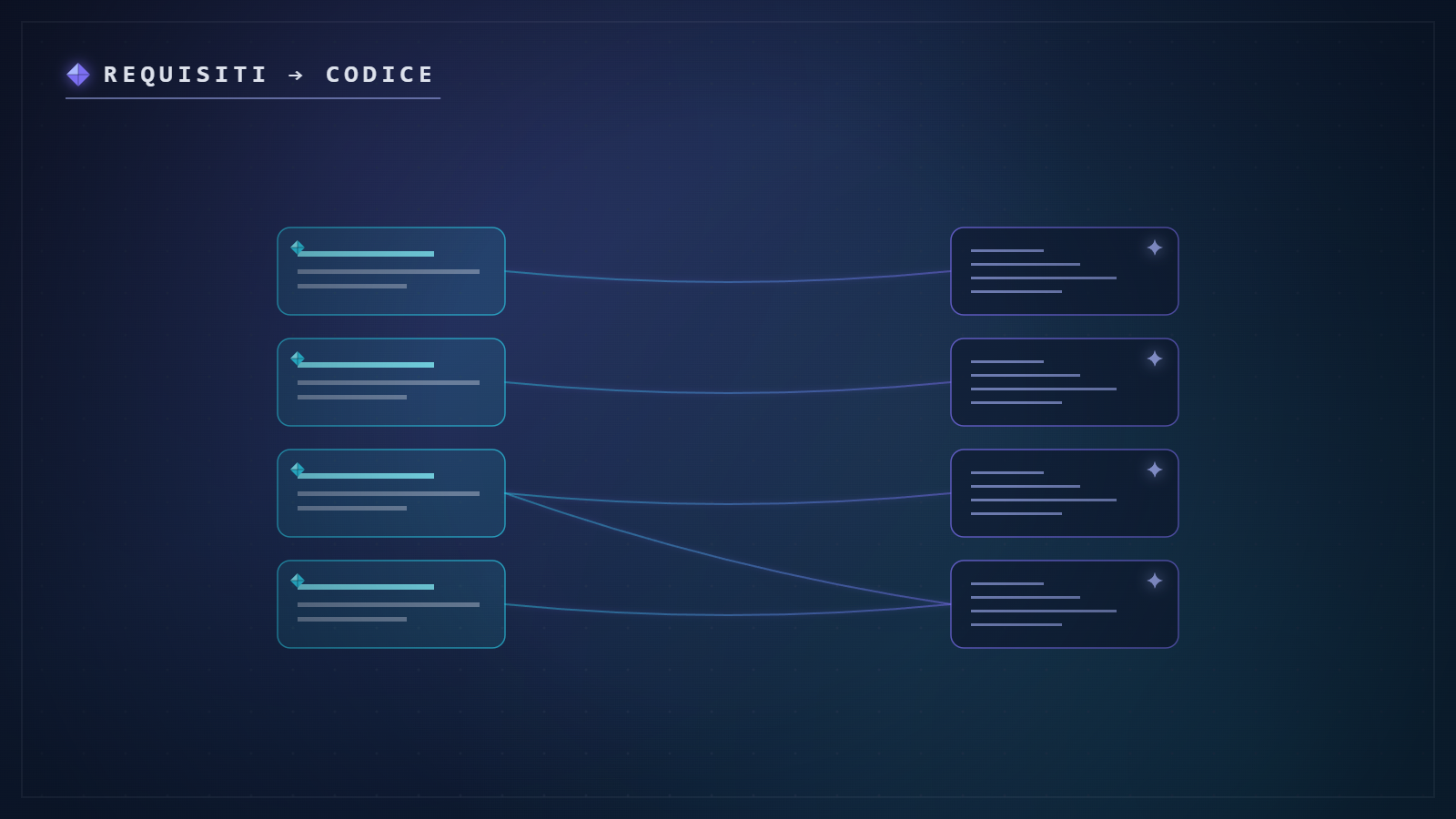
DevKira makes it possible to keep requirements, documentation, code, and checks in the same working environment.
The advantage is not simply having everything in one place. It is creating a more direct connection between what was requested and what is being verified.
In particular:
- examples remain close to the project, rather than getting lost in separate documents;
- business and IT can work on the same text, using language both sides understand;
- integration tests can reflect the agreed behavior;
- changes become more visible, because requirements and checks evolve alongside the code;
- documentation preserves the reasoning behind decisions, which remains useful months later;
- shared environments make it easier to reproduce and discuss a problem.
The process remains human. The platform simply makes it harder for a requirement to change without leaving a trace.
A practical example
The sales department asks for new customers to be transferred automatically to the invoicing system.
During the discussion, three conditions emerge: the transfer should happen only after approval, certain fields are mandatory, and any error must be visible to the responsible manager.
These conditions are written as verifiable examples. The technical team builds the integration and prepares tests for the normal scenario, missing data, and a failed connection to the external system.
During the demo, business and IT are no longer debating broad interpretations. They review the same scenarios and verify the result together.
A lightweight five-step process
- Start with the business objective. What outcome needs to change?
- Describe real examples. Include at least one normal case and one problematic case.
- Clarify the boundaries. What should the feature not do?
- Turn the examples into verifiable criteria. They must be testable.
- Update the requirement and the tests together. A change is complete only when both reflect the new rule.
This method reduces the need for long documents and focuses attention on the behaviors that matter.
Frequently asked questions
Can non-technical people contribute to tests?
They can help define examples and expected outcomes. The technical team then turns those elements into automated tests or other appropriate checks.
What are integration tests for?
They verify that separate systems exchange data and responses as expected. They are particularly important because many errors appear at the points where components connect.
Who should approve a requirement?
The person responsible for the process should confirm the expected behavior. The technical team should confirm that the requirement is feasible, testable, and consistent with the system.
Does this process delay the start of development?
It may require a few extra minutes at the beginning, but it reduces later changes and discussion. The goal is not to describe every detail. It is to clarify the details that affect the result.
What happens when a requirement changes?
The change should be recorded together with the reason and the affected checks. This keeps code, tests, and documentation aligned.
The next step
This use case is part of the broader topic of business and IT collaboration. To evaluate the process on real work, begin with a short pilot project.
See how DevKira connects requirements, work, and verification.